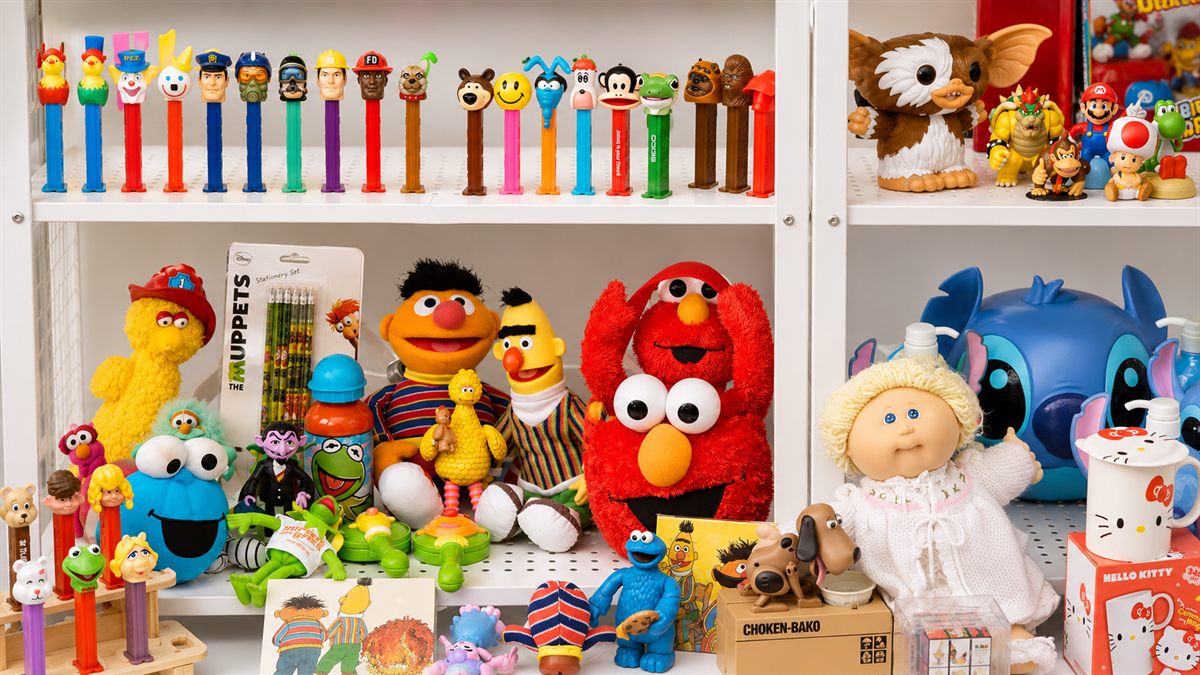
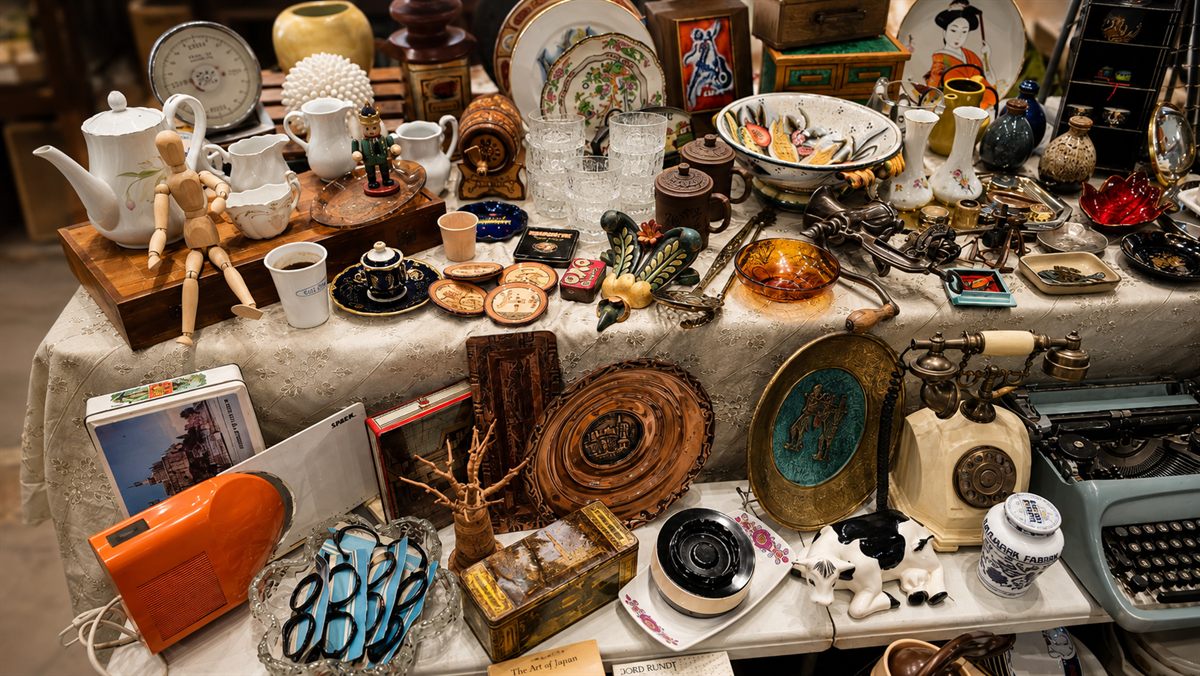
Brocante table 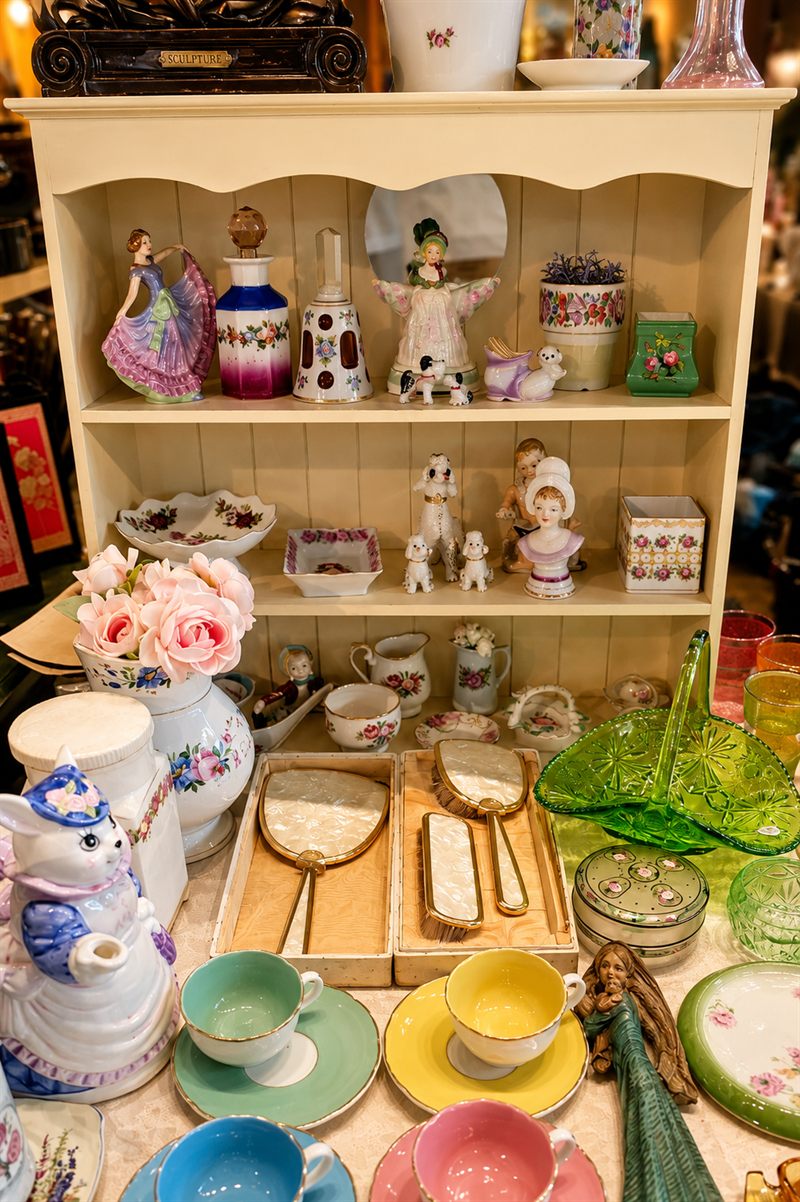
China cabinet 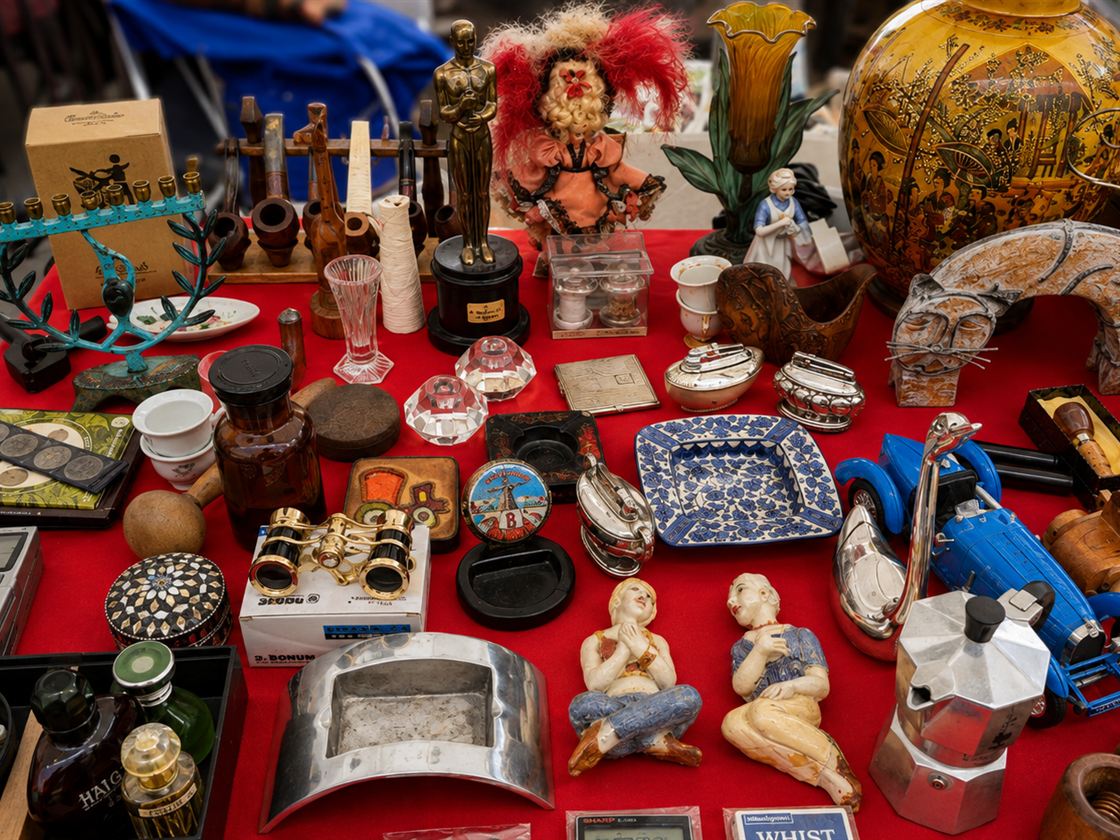
Flea market table 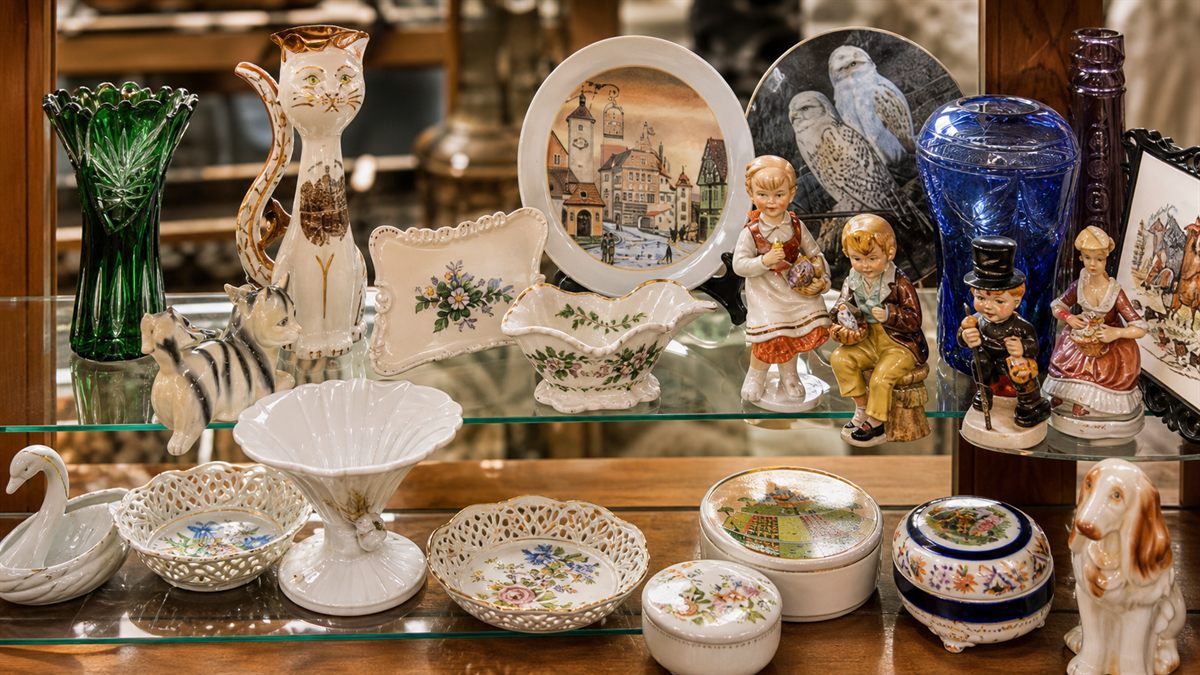
Porcelain display case
For sellers
All your stock, online in one photo
Photograph your items once and every one of them goes online with its price - no listings to write, no uploading items one by one.
Photograph your items
One photo of a few items, or of everything you sell. Each photo becomes a counter in your store.
AI recognizes the items
Every item in the photo gets its own outline.
Price and share
Set a price per item and it shows on the photo as a tag. Then send people your store link.
For buyers
Shop the real photo, prices included
No stock photos. You scroll through the seller's actual counters with a price on every item, exactly as they are right now.
Open a store
From the feed, or from a link the seller sent you. Scroll through its counters.
Tap on items
Every item carries its price tag, and sold items are marked. No catalogue, just the seller's real photo.
Add to basket and buy
Choose pickup or delivery and send the order. The seller confirms in chat, and you pay them directly.
Built for local selling
Pickup, delivery, and the payment methods people around here actually use.
Getting it to the buyer
- Pickup
- Delivery
Getting paid
- Cash
- Bit
- Card
- Bank transfer
Directions with Waze
Questions, answered
The things buyers and sellers ask first.
- Do I need an account to browse?
- No. Any store you reach - from the feed or from a seller's link - you can browse without an account. You only need one to buy or sell.
- How do I buy?
- Tap the items you want, add them to your basket, and send the order. The seller confirms in chat, and you pay them directly - cash, Bit, card or bank transfer, whatever the store accepts.
- How do I get my items?
- Pickup or delivery - each store says what it offers, and directions open in Waze.
- What does it take to open a store?
- One photo of your items. AI recognizes each one, you set the prices, and your store is live. Every photo you add is another counter.
- Who can see my store?
- Only people you send the link to. Every store starts private; when you're ready, you can ask for it to appear in the public feed.